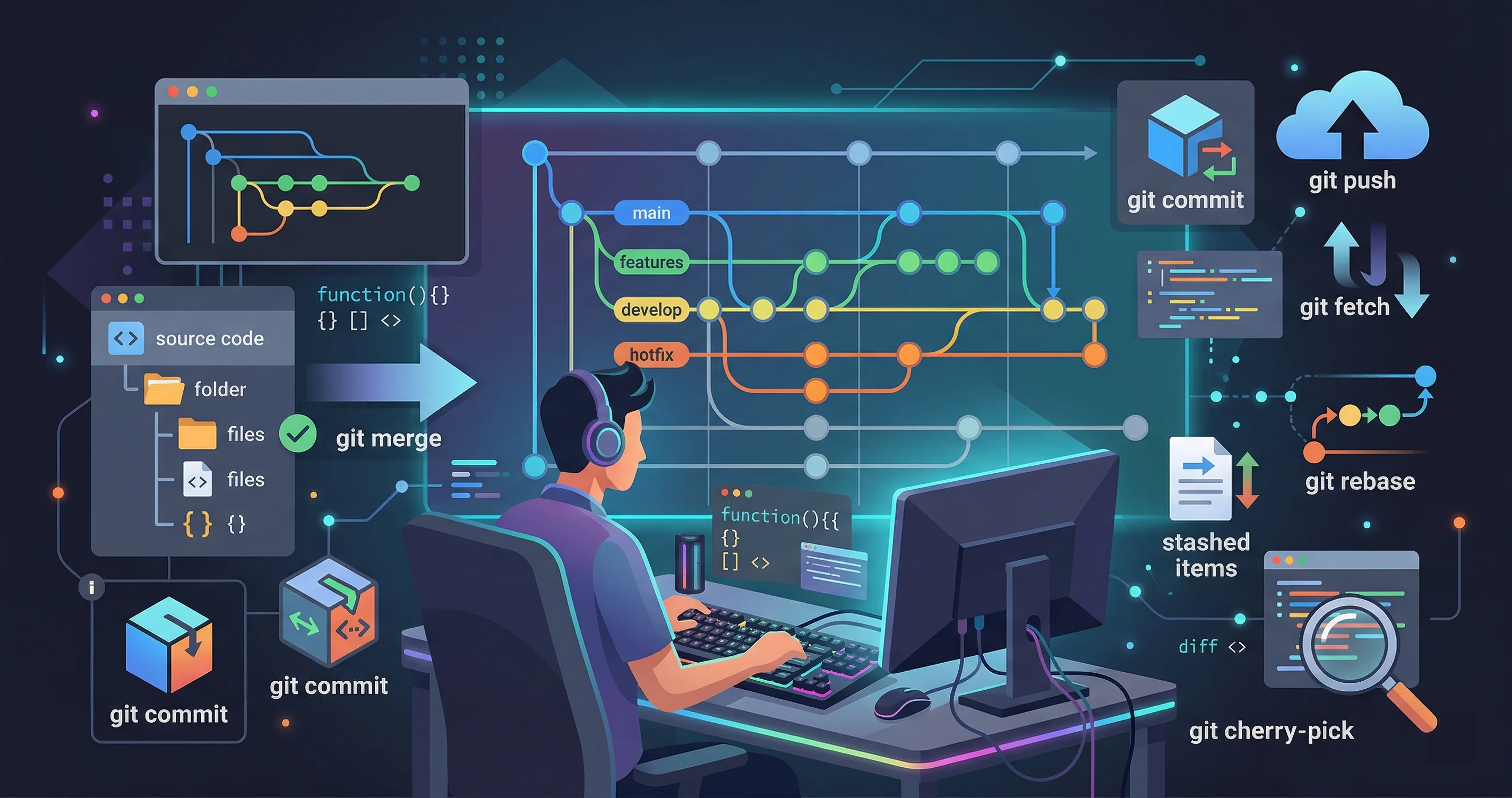
Git is the backbone of modern software development, but most developers only scratch the surface of what it can do. Beyond git commit and git push, there’s a rich set of commands that can dramatically improve your daily workflow. Here are ten tricks worth mastering.
1. Interactive Rebase
git rebase -i HEAD~5 opens an interactive editor where you can squash, reorder, or edit your last five commits. This is invaluable before merging a feature branch—clean history makes code reviews much easier.
2. Git Stash with a Name
Instead of a nameless stash, use git stash push -m "WIP: fixing login bug". Later, git stash list shows your named stashes so you can apply the right one without guessing.
3. Partial Staging with git add -p
git add -p (patch mode) lets you stage specific hunks of a file rather than the entire file. This makes it simple to craft focused, atomic commits even when you’ve made several unrelated changes.
4. Bisect for Bug Hunting
git bisect start combined with git bisect good and git bisect bad performs a binary search through your commit history to find exactly when a bug was introduced. It can save hours of manual investigation.
5. Fixup Commits
Commit with git commit --fixup=<SHA> to mark a commit as a fix for an earlier one. When you later rebase with --autosquash, Git automatically moves and merges fixup commits in the right order.
6. Worktrees
git worktree add ../hotfix main checks out another branch into a separate directory without disturbing your current working tree. Perfect for switching to a hotfix without stashing your in-progress work.
7. Reflog as a Safety Net
git reflog shows every movement of HEAD, even after resets. If you accidentally delete a branch or do a hard reset, reflog is almost always how you recover lost commits.
8. Sparse Checkout
For large monorepos, git sparse-checkout set src/frontend lets you check out only the directories you care about, keeping your working directory lean and fast.
9. Git Aliases
Add frequently-used commands to your config: git config --global alias.lg "log --oneline --graph --decorate". Short aliases for verbose log formats save dozens of keystrokes per day.
10. Signing Commits
How To Practice These Safely
Git tricks are only useful if you can use them without fear. The safest way to practice is to create a throwaway repository and intentionally make a mess. Add a few commits, change files, create branches, stash work, and recover from mistakes. Once you have seen the recovery path in a sandbox, the same command feels much less risky in a real project.
Start with read-only commands: git log, git status, git diff, git branch, and git show. These commands teach you what happened without changing anything. Then move to reversible commands like git stash, git restore, and creating temporary branches. Save destructive cleanup commands, such as git clean, for last.
A Better Daily Git Loop
A calm Git workflow usually looks like this:
- Check where you are with
git status. - Pull or rebase the latest main branch before starting meaningful work.
- Create a focused branch for one change.
- Commit small checkpoints with messages that explain intent.
- Review your own diff before pushing.
That last step matters. git diff --staged catches accidental files, debug logs, and unrelated edits before reviewers ever see them. It also helps you write a better pull request because you have already reminded yourself what changed.
Mistakes These Commands Help Prevent
git switch -c prevents the common mistake of doing work directly on main. git stash -u helps when an urgent fix appears while your working tree is dirty. git restore --staged saves you when you accidentally stage too much. git log --oneline --graph --decorate helps you understand whether your branch is ahead, behind, diverged, or accidentally based on the wrong commit.
The biggest mistake is using commands from memory when you are stressed. Slow down and inspect first. If a command deletes, rewrites, or discards work, look up the exact behavior and run the preview version when one exists.
Useful Aliases
Aliases are worth adding once you know what the commands do. Keep them readable so you can still understand your history and help teammates:
git config --global alias.st status
git config --global alias.co switch
git config --global alias.br branch
git config --global alias.cm commit
git config --global alias.lg "log --oneline --graph --decorate --all"
Avoid overly clever aliases that hide risky behavior. An alias for git clean -fd is a bad idea because it makes a destructive command too easy to run.
What I Would Do In Practice
For everyday work, I rely on three habits more than any advanced command: read git status, review staged changes, and keep commits focused. The tricks in this guide are support tools. They help you recover, inspect, and move faster, but they do not replace discipline.
If you only adopt one command from this list, make it git diff --staged. Most Git problems start as review problems: the wrong file was staged, the diff was too large, or the commit included a temporary change. Reviewing the staged diff keeps small mistakes from becoming team noise.
git config --global commit.gpgsign true signs every commit with your GPG key. Signed commits show as “Verified” on GitHub, proving authenticity—increasingly important on open-source and enterprise projects.
Investing an afternoon to practice these commands pays dividends throughout your career. The best developers aren’t just good at writing code—they’re fluent in the tools surrounding it.