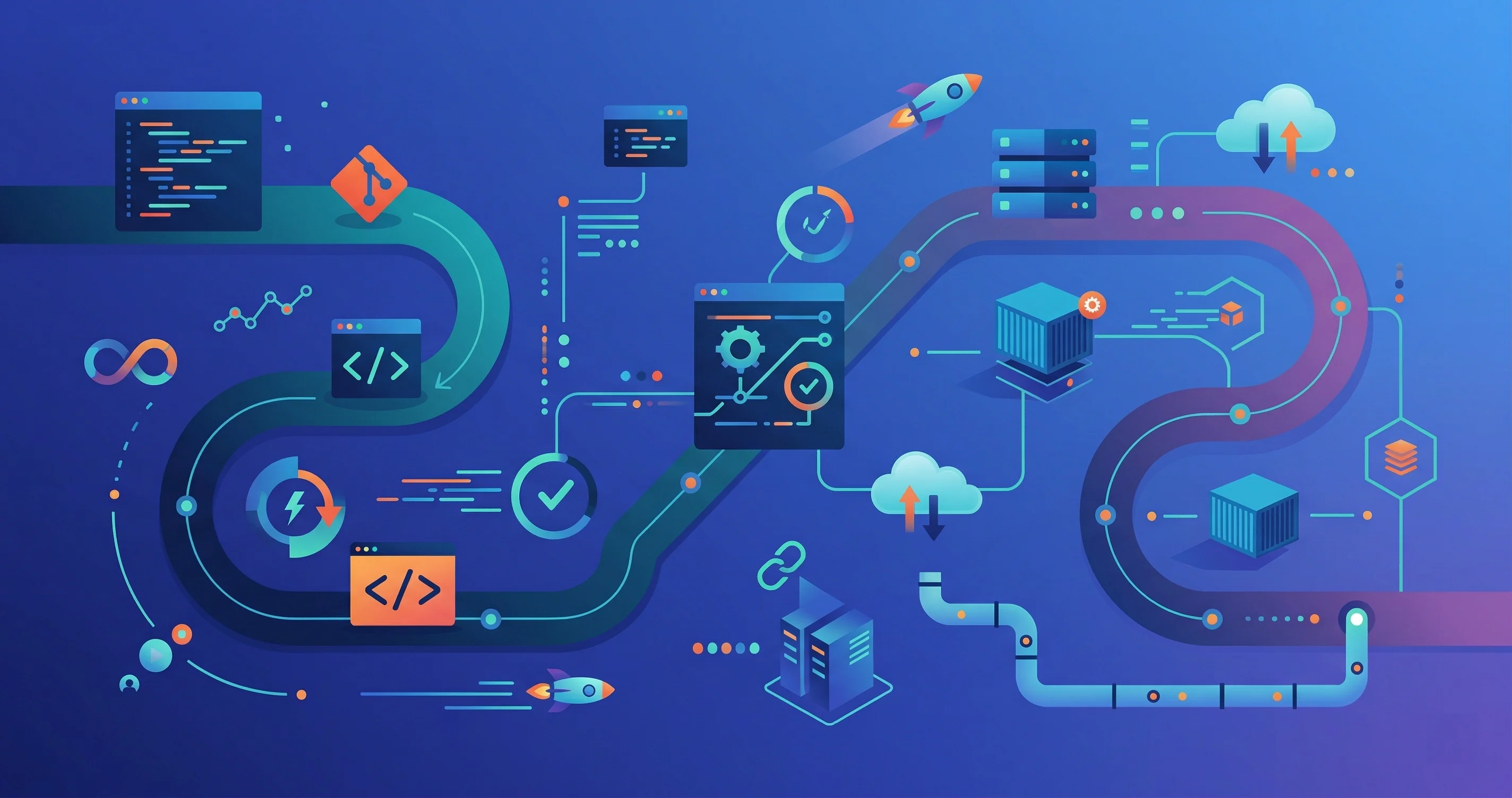
What Is DevOps?
DevOps is the practice of combining software development (Dev) and IT operations (Ops) to shorten the development lifecycle and deliver high-quality software continuously. It’s not a single tool — it’s a culture, a set of practices, and a toolchain that automates the path from code commit to production.
Prerequisites
Before diving into DevOps, you should be comfortable with:
- Basic programming in any language (Python or Bash recommended)
- Git fundamentals — branching, merging, and pull requests
- How the web works — HTTP, DNS, and client-server architecture
- Command-line basics on Linux/macOS
Stage 1: Linux and Networking Foundations
DevOps runs on Linux. You don’t need to be a sysadmin, but you need to be comfortable:
Linux essentials:
- File system navigation (
ls,cd,find,grep) - File permissions (
chmod,chown) and user management - Process management (
ps,top,kill,systemctl) - Shell scripting — write Bash scripts that automate repetitive tasks
- Package managers —
apt(Debian/Ubuntu),yum/dnf(RHEL/CentOS)
Networking basics:
- TCP/IP, ports, and protocols (HTTP 80, HTTPS 443, SSH 22)
curl,wget,netstat,nmapfor debugging connectivity- Firewalls — UFW, iptables concepts
- Load balancers — what they do and why they matter
# Example: a simple Bash script to check service health
#!/bin/bash
SERVICES=("nginx" "postgresql" "redis")

for service in "${SERVICES[@]}"; do
  if systemctl is-active --quiet "$service"; then
    echo "$service is running"
  else
    echo "$service is DOWN — restarting"
    systemctl restart "$service"
  fi
done
Stage 2: Version Control and Collaboration
Git is the foundation of all modern DevOps workflows:
- Branching strategies — GitFlow, trunk-based development, and feature flags
- Code review — pull request workflows on GitHub/GitLab
- Conventional commits — structured commit messages for automated changelogs
- Monorepos vs. polyrepos — trade-offs and tooling (Nx, Turborepo)
- Git hooks — automate pre-commit checks (linting, testing) with Husky
Stage 3: Containers with Docker
Containers solve the “it works on my machine” problem by packaging your application and its dependencies into a single portable unit:
# Example: a minimal Node.js Dockerfile
FROM node:22-alpine

WORKDIR /app

COPY package*.json ./
RUN npm ci --only=production

COPY . .

EXPOSE 3000
CMD ["node", "server.js"]
Core Docker concepts:
- Images vs. containers — the difference between a blueprint and a running instance
Dockerfile— layered build instructionsdocker-compose— run multi-container apps locally (app + database + cache)- Container registries — Docker Hub, GitHub Container Registry, AWS ECR
- Image optimization — multi-stage builds, minimizing layer size
Stage 4: CI/CD Pipelines
Continuous Integration (CI) automatically tests every code change. Continuous Delivery (CD) automatically deploys passing builds. Together they eliminate manual release steps:
GitHub Actions (the most common CI/CD platform):
# .github/workflows/ci.yml
name: CI

on:
  push:
    branches: [main]
  pull_request:

jobs:
  test:
    runs-on: ubuntu-latest
    steps:
      - uses: actions/checkout@v4
      - uses: actions/setup-node@v4
        with:
          node-version: 22
      - run: npm ci
      - run: npm test

  deploy:
    needs: test
    runs-on: ubuntu-latest
    if: github.ref == 'refs/heads/main'
    steps:
      - uses: actions/checkout@v4
      - name: Deploy to production
        run: ./scripts/deploy.sh
What to automate in your pipeline:
- Linting and formatting checks
- Unit and integration tests
- Security scanning (Snyk, Dependabot, Trivy)
- Docker image builds and pushes
- Deployment to staging and production environments
- Database migrations
Stage 5: Infrastructure as Code
Manually clicking through cloud consoles doesn’t scale. Infrastructure as Code (IaC) lets you define your infrastructure in version-controlled files:
Terraform — the industry standard:
# main.tf — provision an AWS EC2 instance
provider "aws" {
  region = "us-east-1"
}

resource "aws_instance" "web" {
  ami           = "ami-0c55b159cbfafe1f0"
  instance_type = "t3.micro"

  tags = {
    Name        = "web-server"
    Environment = "production"
  }
}
Key IaC concepts:
- Declarative vs. imperative — describe the desired state, not the steps
- State management — Terraform tracks what it has created
- Modules — reusable, parameterized infrastructure components
- Remote state — store state in S3 or Terraform Cloud for team collaboration
Other tools in this space:
- Ansible — configuration management and application deployment
- Pulumi — IaC using real programming languages (TypeScript, Python, Go)
- AWS CDK / CloudFormation — AWS-native IaC
Stage 6: Cloud Platforms
Pick one cloud provider to start and go deep before branching out:
AWS (largest market share):
- Compute: EC2 (VMs), Lambda (serverless), ECS/EKS (containers)
- Storage: S3 (object storage), RDS (managed databases), DynamoDB (NoSQL)
- Networking: VPC, Route 53 (DNS), CloudFront (CDN), ALB (load balancing)
- IAM: users, roles, policies — always use least-privilege access
Getting started:
- Use the free tier to experiment
- Learn the AWS CLI for scripting and automation
- Pursue the AWS Certified Cloud Practitioner or Solutions Architect – Associate certification
Stage 7: Container Orchestration with Kubernetes
When you have multiple containers running across multiple servers, you need an orchestrator. Kubernetes (K8s) is the standard:
- Pods — the smallest deployable unit (one or more containers)
- Deployments — manage replicas and rolling updates
- Services — stable networking endpoints for pods
- ConfigMaps and Secrets — inject configuration and credentials
- Ingress — route external HTTP traffic to services
- Helm — Kubernetes package manager for deploying complex applications
Start with a local cluster using minikube or kind before moving to managed services like AWS EKS, Google GKE, or Azure AKS.
# Deploy and expose a simple web app
kubectl create deployment web --image=nginx:alpine
kubectl expose deployment web --port=80 --type=LoadBalancer
kubectl get services
Stage 8: Monitoring and Observability
You can’t fix what you can’t see. Observability has three pillars:
Metrics — numerical measurements over time:
- Prometheus — scrapes and stores time-series metrics
- Grafana — visualizes metrics in dashboards
- Track: CPU/memory usage, request rate, error rate, latency (the “Four Golden Signals”)
Logs — structured event records:
- ELK Stack — Elasticsearch (storage), Logstash (ingestion), Kibana (visualization)
- Loki + Grafana — lightweight log aggregation
- Always log in JSON for easy parsing; include request IDs for tracing
Traces — end-to-end request journeys across services:
- OpenTelemetry — vendor-neutral instrumentation standard
- Jaeger or Zipkin — distributed tracing backends
Alerting:
- Set up PagerDuty or OpsGenie for on-call routing
- Write alerts based on symptoms (high error rate) not causes (CPU spike)
Stage 9: Security (DevSecOps)
Security belongs in every stage of the pipeline, not bolted on at the end:
- Secret management — never commit secrets; use HashiCorp Vault, AWS Secrets Manager, or GitHub Secrets
- Container scanning — scan images for CVEs with Trivy or Snyk before pushing
- Dependency audits — run
npm audit,pip-audit, or Dependabot automatically - RBAC — enforce role-based access control in Kubernetes and cloud IAM
- Network policies — restrict pod-to-pod communication in Kubernetes
- SOC 2 / compliance — audit logging and access controls for enterprise environments
Recommended Learning Path
- Get comfortable in a Linux terminal — install Ubuntu in WSL or a VM
- Dockerize a personal project and run it with
docker-compose - Set up a GitHub Actions pipeline that tests and builds your app
- Provision a cloud server with Terraform and deploy your container
- Add Prometheus + Grafana monitoring to your deployed app
- Learn Kubernetes basics with
minikubeand deploy your app - Obtain an AWS or GCP cloud certification to validate your skills
DevOps is learned by doing — every concept clicks faster once you’ve broken a real deployment and debugged your way out of it.