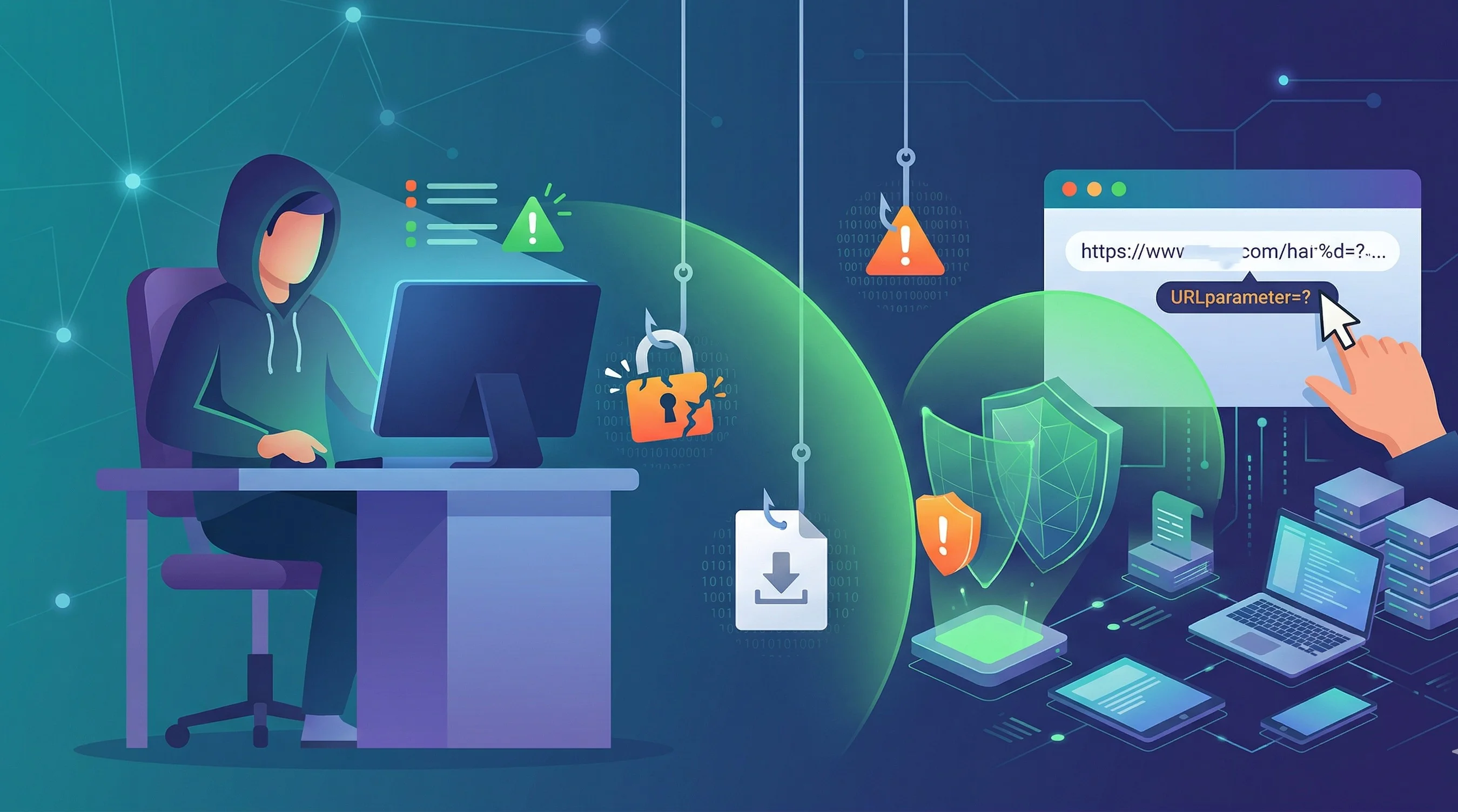
Phishing remains the most common cyberattack vector, and the scams are getting more convincing every year. AI-generated emails now mimic corporate writing styles perfectly, and fake websites can be pixel-perfect replicas of the real thing. Here’s how to spot the fakes before they cause damage.
Check the Sender’s Actual Email Address
The display name in an email can say anything — “Apple Support,” “Your Bank,” “HR Department.” Click or tap on the sender name to reveal the actual email address. Legitimate companies send from their own domains (@apple.com, @yourbank.com). Phishing emails come from lookalikes like [email protected] or random strings like [email protected].
Hover Before You Click
On desktop, hover over any link without clicking to preview the URL in the bottom-left corner of your browser. On mobile, long-press a link to see where it actually goes. If the URL doesn’t match the company’s official domain, don’t click. Watch for subtle misspellings like paypa1.com or extra subdomains like login.bankname.security-verify.com.
Look for Urgency and Threats
Phishing messages almost always create artificial urgency: “Your account will be suspended in 24 hours,” “Unauthorized login detected — act now,” “Final notice before legal action.” Legitimate companies rarely threaten you via email. If a message makes you feel panicked, that’s by design — slow down and verify independently.
Verify Through Official Channels
If an email claims there’s a problem with your account, don’t use the link in the email. Instead, open a new browser tab, go directly to the company’s website (type the URL yourself), and log in normally. If there’s a real issue, you’ll see it in your account dashboard. You can also call the company’s official support number.
Watch for Generic Greetings
Emails from companies you have accounts with typically use your name. Phishing emails often use generic greetings like “Dear Customer,” “Dear User,” or “Dear Account Holder” because the attacker doesn’t know your name — they’re sending millions of identical messages.
Be Suspicious of Attachments
Unexpected attachments — especially .zip, .exe, .docm, or .pdf files — are a primary malware delivery method. If you weren’t expecting a file, don’t open it. Legitimate invoices and documents from companies you do business with are usually accessible through their web portal, not as email attachments.
Enable Email Filtering
Modern email providers like Gmail, Outlook, and ProtonMail have built-in phishing detection that catches the majority of attacks. Make sure these filters are enabled and check your spam folder occasionally to ensure legitimate emails aren’t being caught.
Report Phishing Attempts
Most email clients have a “Report Phishing” option. Using it helps train the spam filter and protects other users. You can also forward phishing emails to [email protected] (the Anti-Phishing Working Group) to help take down fraudulent sites.
Build A Verification Routine
The best phishing defense is a repeatable pause. Before entering a password, payment detail, or one-time code, check three things: the domain, the reason for urgency, and whether you initiated the action. Real security messages can be urgent, but attackers use urgency to stop you from thinking.
Open important sites from your own bookmarks or by typing the address yourself. Do not use the link in the message when money, passwords, work accounts, or identity documents are involved. This one habit neutralizes many phishing attempts.
Watch For Multi-Channel Attacks
Modern phishing does not always stay in email. Attackers may send a text, follow up with a phone call, or create a fake support chat. The message may reference a real service you use. That does not make it trustworthy.
If someone calls claiming to be from your bank, employer, or a software vendor, hang up and call back through the official number or support portal. Do not use a number provided in the suspicious message.
Protect The Accounts That Matter Most
Email, banking, cloud storage, password managers, domain registrars, and work accounts deserve the strongest protection. Use a password manager, unique passwords, and phishing-resistant 2FA where possible. Security keys are stronger than SMS codes for high-value accounts.
Review recovery options too. Attackers often target backup email addresses and phone numbers because account recovery can bypass your normal login flow.
What I Would Do In Practice
I would assume any unexpected login, invoice, delivery, or account-warning message could be fake until verified. For important accounts, I would navigate independently, check the account directly, and avoid entering codes into links from messages.
Phishing protection is not about spotting every bad design detail. It is about slowing down high-risk moments and using a verification path the attacker does not control.
What to Do If You Clicked
If you clicked a phishing link and entered credentials, change that password immediately — and change it on any other site where you used the same password. Enable two-factor authentication on the compromised account. Monitor your financial accounts for unauthorized transactions for the next 30 days.